 Spatial Arcade
Spatial Arcade
Light-gun arcade, in your living room.
A cinema-sized screen curves in front of you. A PS VR2 Sense controller kicks back in your hand with every shot. Play the arcade light-gun games you own, in real stereo 3D, on Apple Vision Pro and iPhone.
Coming soon on the App Store For Apple Vision Pro and iPhoneHere's how it looks
Real captures from the app, no mock-ups: Target Range on Apple Vision Pro and on iPhone.


Your room becomes the arcade
Spatial Arcade is built around how a light-gun cabinet felt: a big screen, something real to aim, and a friend at your side.
-
A giant curved screen
Small, Medium or Large: up to about 6 metres wide, curving around you. Keep your room around it, or switch to Dark Theater and play in the dark.
-
Real stereo 3D
In games with 3D graphics, each eye gets its own camera, so the world has depth behind the screen and things reach out in front of it.
-
Panoramic mode
In games that support it, the game's world carries on past the edges of the screen, on an ultra-wide curve around you. Turn your head to see more.
-
A controller in your hand
PS VR2 Sense controllers become your light gun, with haptic recoil on every shot. No controller? Look and pinch to shoot, or use a game controller.
-
Two players over SharePlay
Start SharePlay in a FaceTime call and play as Player 1 and Player 2, Vision Pro with Vision Pro or with iPhone.
-
On iPhone, tap to shoot
Tap or hold the picture to fire and drag to aim. Coin and Start sit at the edges of the screen, like on the cabinet.
Included with Spatial Arcade
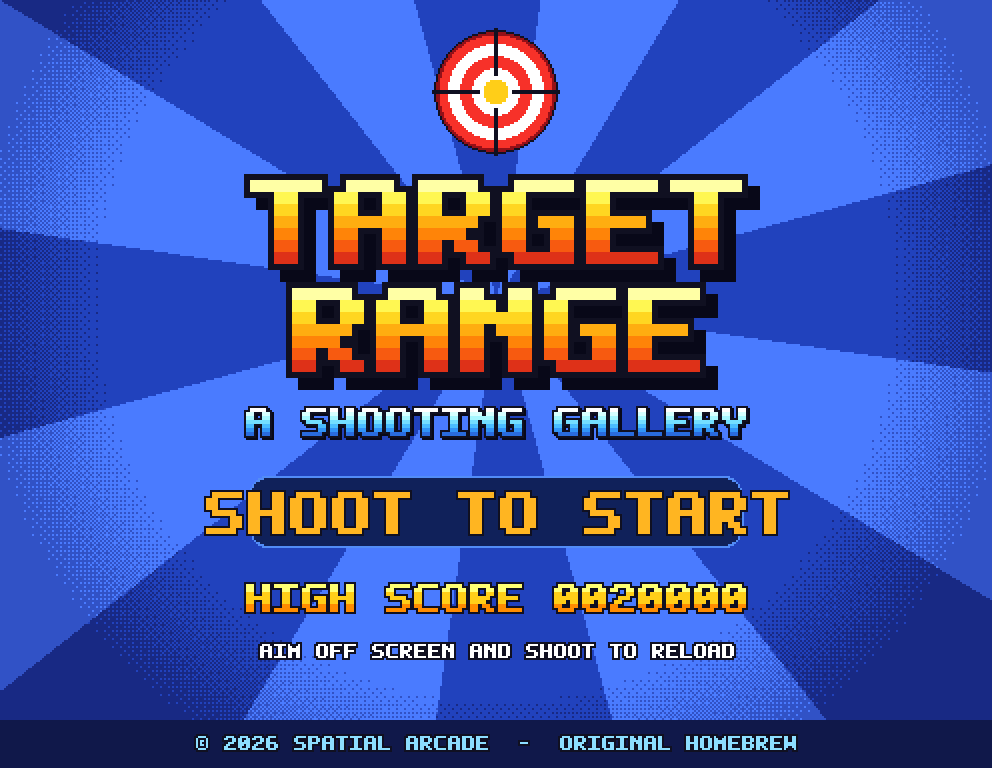
Target Range
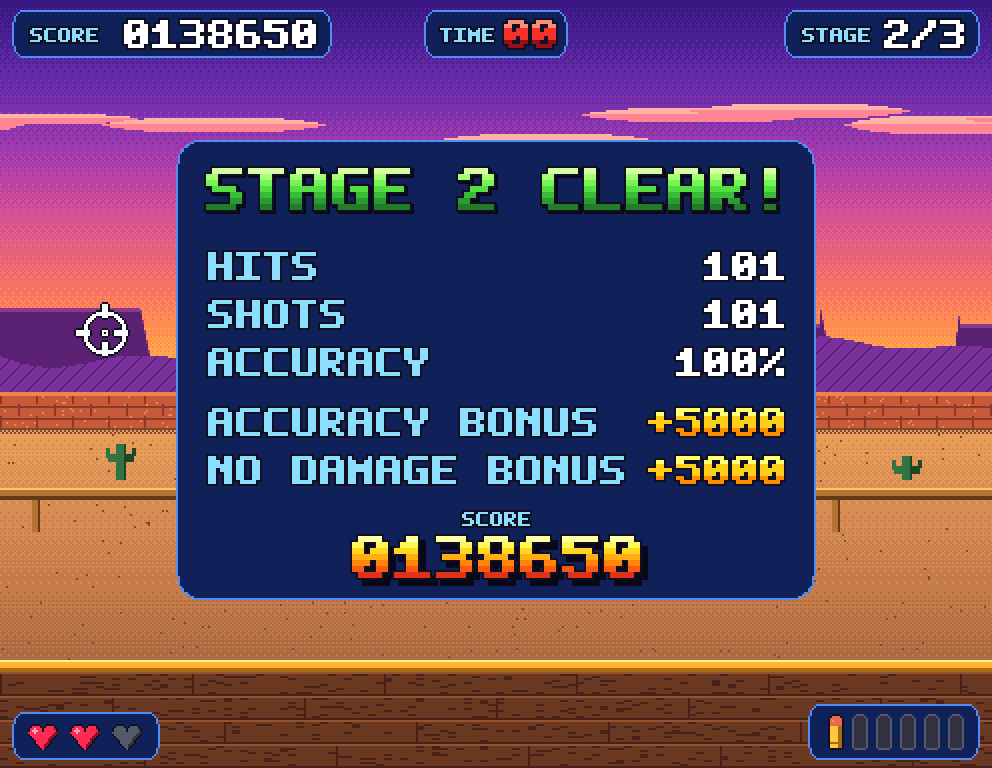
Our own shooting gallery, made for Spatial Arcade and ready to play the moment you open it. Three stages of about fifty seconds each, from a sunny meadow to a neon night, with targets popping up behind the back wall and right in front of the counter.
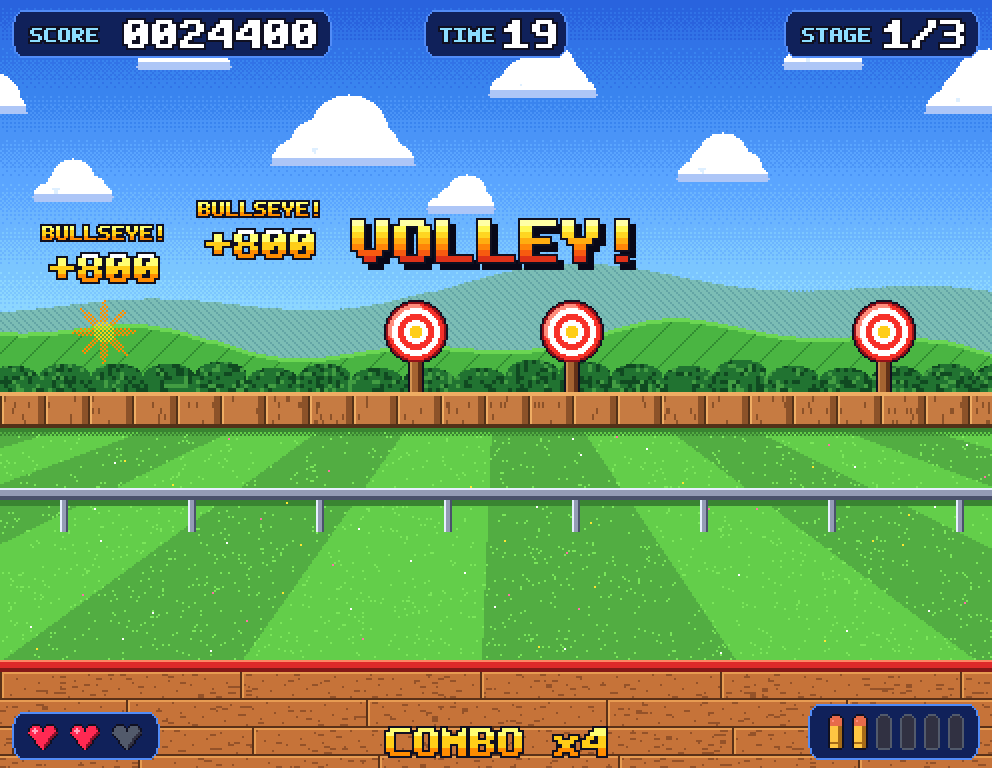
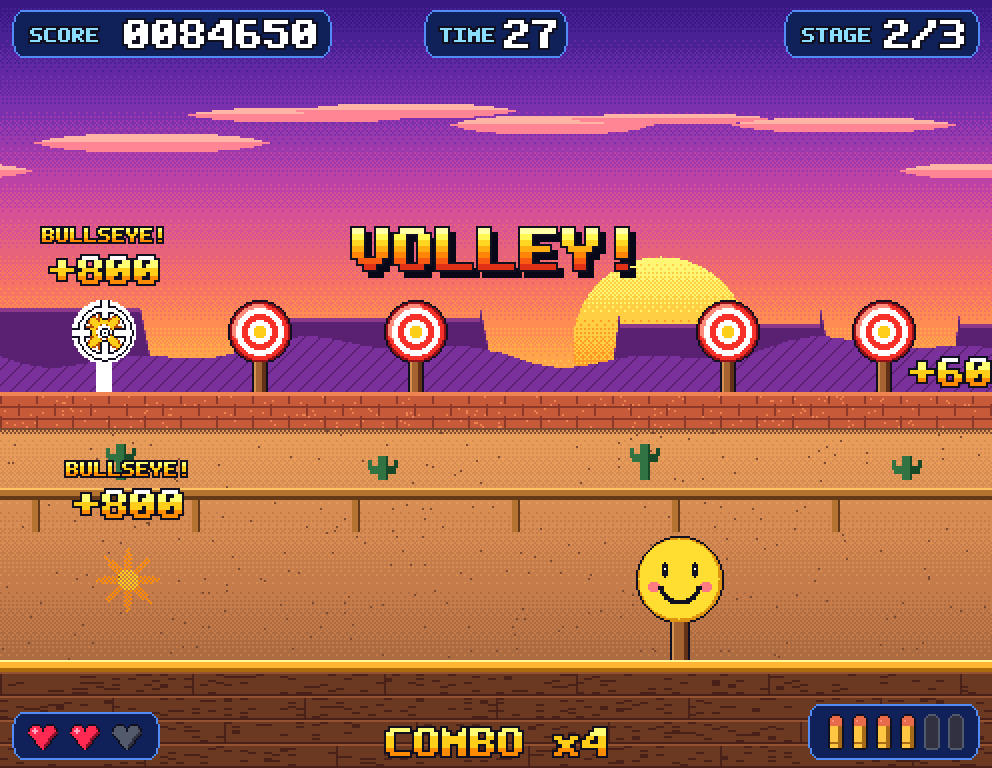
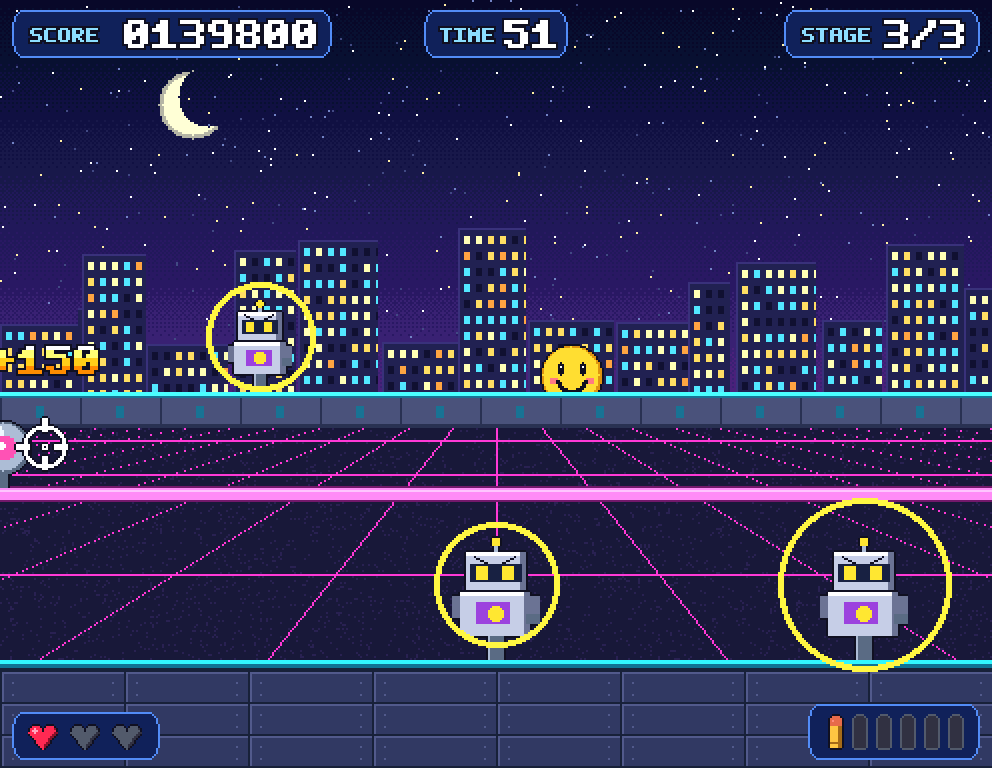
| Bullseye | 200 if you hit the gold centre. Each stage has a volley of six at once. | 100 |
|---|---|---|
| Robot | Stop it before its warning ring closes in, or it fires and you lose a life. | 200 |
| Steel plate | Slides along the rail. | 150 |
| Bonus star | Flies across the sky. Be quick. | 1000 |
| Smiley | Never shoot a smiley. | −500 |
House rules
- Six shots per magazine. Shoot off-screen to reload.
- Combo up to x4. Every four hits in a row raise the multiplier; a miss or a hit taken resets it.
- Three lives and a clock. It beeps in the last ten seconds.
- Bonuses at the tally. 50 points per percent of accuracy, and 5,000 for a stage without damage.
Bring your own games
Target Range is the only game that comes with Spatial Arcade. For anything else, you copy your own game files into the app's folder in iCloud Drive.
-
Find the folder
Open Spatial Arcade once. Then, in Files on your iPhone or Vision Pro, or in Finder on your Mac, go to iCloud Drive › Spatial Arcade.
-
Copy your files
Drop in the game files (.zip) you own, exactly as they are: no unzipping, no renaming.
-
Play
Back in Spatial Arcade, your games appear in the library on every device signed in to the same iCloud account.
Spatial Arcade doesn't sell, download or share games. It plays files you already own and copy yourself. See how to add your games for details.
Coming soon to the App Store
- Apple Vision ProThe full theater: big screen, 3D, Sense controllers
- iPhoneTap to shoot, and SharePlay with a Vision Pro